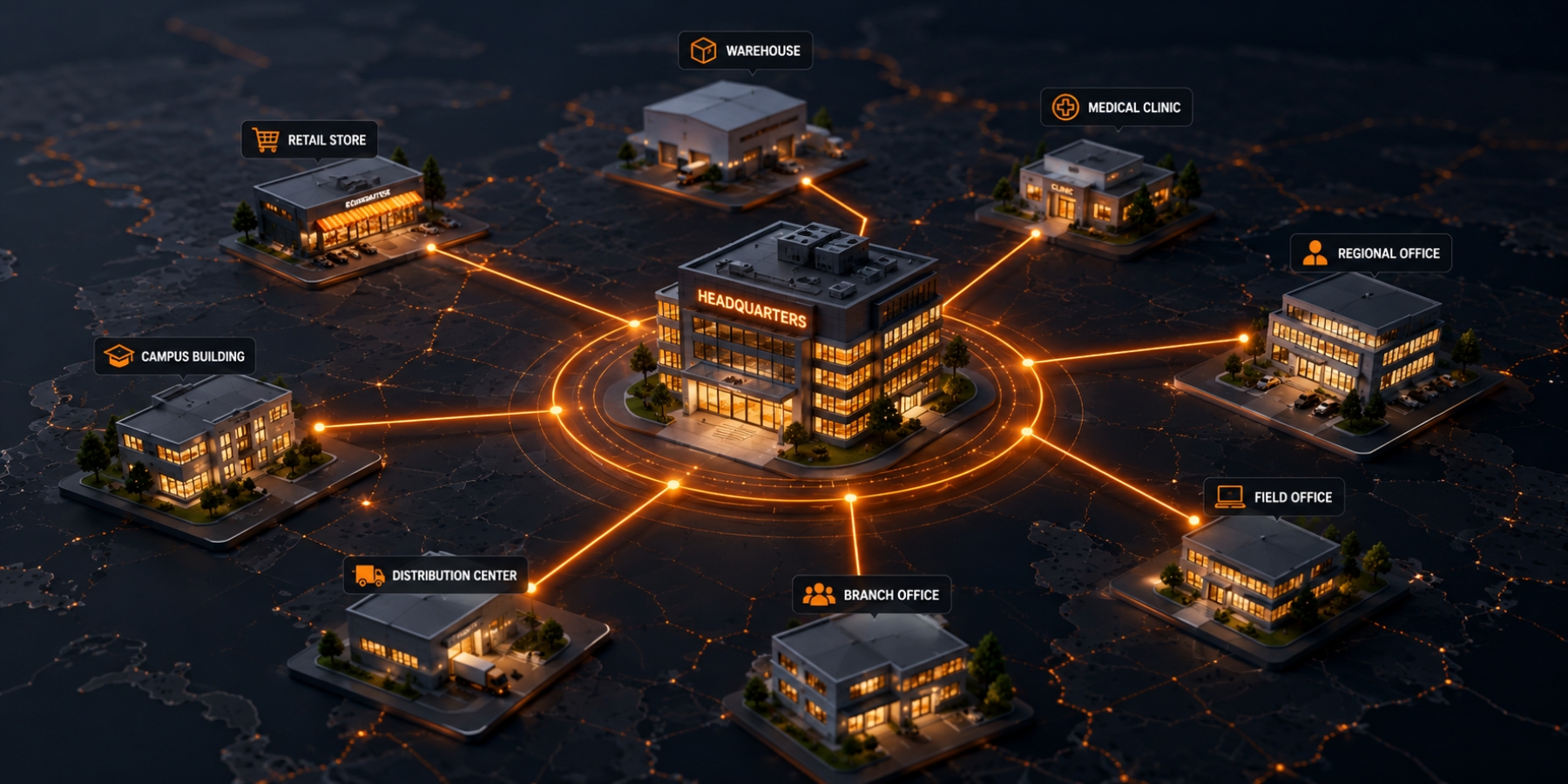
Growth is supposed to make a business stronger. Yet every new location can quietly make its technology harder to manage.
One office uses one internet provider. Another inherited a different firewall. A third location has an older phone system that no one wants to replace yet. The newest facility has cloud-managed cameras, while the original site still relies on a separate local recorder. Employees at one location call an internal IT contact. Everyone else submits tickets to an outside provider.
None of these decisions necessarily looked wrong when they were made. Each location solved the problem in front of it. Over time, however, those isolated decisions create multiple versions of the same business. The company may have one brand, one leadership team, and one set of goals, but its technology operates like a collection of separate organizations.
That is the core challenge of multi site IT management. The problem is not simply that locations use different equipment. The deeper issue is that inconsistency makes the business harder to support, harder to secure, and harder to scale.
Technology Fragmentation Usually Starts with a Reasonable Decision
Multi-location technology rarely becomes fragmented because someone designed it poorly. It usually happens because growth moves faster than standardization.
A new office needs internet before opening day, so the team chooses the provider that can install fastest. A newly acquired clinic already has a functioning phone system, so leadership leaves it in place. A warehouse adds cameras after an incident, but the facilities team selects the platform without involving IT. A remote branch hires a local support company because the central team cannot get there quickly.
Each decision keeps the business moving. The hidden cost appears later, when leaders try to manage all those decisions as one environment.
Common differences across locations include:
- Internet providers, bandwidth levels, and contract terms
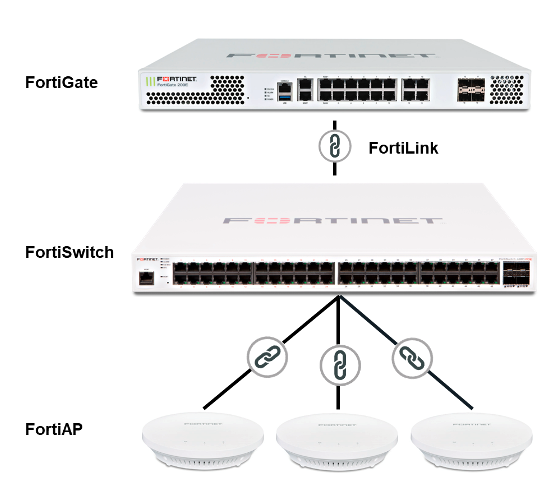
- Firewall, switching, and Wi-Fi equipment
- Phone systems, extensions, and call-routing rules
- Security cameras, access control, alarms, and monitoring platforms
- Microsoft 365 configurations, endpoint policies, and user permissions
- Backup tools, patching schedules, and cybersecurity controls
- Support vendors, escalation procedures, and maintenance windows
The problem is not that every site must be identical. A corporate office, medical clinic, retail location, and distribution center will have different operational needs. Consistency means those differences are intentional, documented, and managed through one technology strategy instead of being the accidental result of years of disconnected purchasing.

The Employee Experience Changes from One Location to the Next
Technology inconsistency is often most visible to employees. Someone who transfers between locations may discover that the phone system works differently, Wi-Fi access requires another process, printers are configured another way, and the support contact has changed. Even basic tasks such as joining a conference call or reaching the front desk can require location-specific knowledge.
This creates more than annoyance. It adds training, slows onboarding, and encourages workarounds. Employees save credentials in personal notes, share local fixes informally, or avoid reporting recurring issues because they assume that is simply how the location operates.
A consistent technology experience gives employees fewer systems to learn and fewer exceptions to remember. New hires can follow one onboarding process. Users can move between offices without relearning core tools. Support teams can provide instructions that apply broadly instead of building a separate playbook for every site.

Support Gets Slower When Every Site Is Different
When a problem occurs, the support team first has to determine which version of the environment it is dealing with. That diagnostic delay can be almost as frustrating as the technical issue itself.
Consider a connectivity failure at one branch. Before troubleshooting can begin, someone must answer basic questions: Which carrier serves the site? What firewall is installed? Who owns the account? Is there a backup circuit? Where is the network diagram? Has the local equipment been updated? Does the internet provider need an authorized contact on the call?
If documentation is incomplete or responsibility is unclear, the business becomes the coordinator between providers. The internet carrier checks its circuit. The phone vendor points to the network. The security vendor reports that its devices are offline. The IT team waits for account access. The technical failure may be relatively simple, but the fragmented support process stretches the outage.
| 57% of respondents said their most recent major outage cost more than $100,000.Uptime Institute, Annual Outage Analysis 2026 View the source |
That figure reflects major outages across digital infrastructure, not only small multi-site businesses. Still, it reinforces a practical point: when systems are critical, slow coordination has real financial consequences. Standardized equipment, current documentation, centralized monitoring, and one escalation path do not prevent every outage, but they reduce the time lost figuring out who owns the next step.
BestLine supports this type of centralized approach through its managed IT support services, including network support, security, monitoring, help desk services, and infrastructure management.

Inconsistent Networks Create Uneven Performance
Multi site network management becomes difficult when each location has been built according to a different standard. One site may have strong Wi-Fi coverage and current switching equipment. Another may rely on consumer-grade hardware installed years ago. One office may have redundant fiber connections, while a revenue-critical facility has no backup path at all.
The result is an uneven experience that can be mistaken for an employee or application problem. Video calls work at headquarters but fail at a branch. Cloud applications feel slow only at one clinic. Voice quality drops during busy periods at a warehouse. Security cameras consume bandwidth that was never included in the original network design.
A stronger approach starts with a common network architecture. That does not mean buying the exact same circuit everywhere. It means defining standards for bandwidth, Wi-Fi coverage, network segmentation, equipment lifecycle, failover, monitoring, and documentation. Each site can then be designed against the same operational requirements.
For organizations evaluating carriers, circuits, or Wi-Fi design across locations, BestLine’s internet services and Wi-Fi capabilities provide a natural foundation for coordinated connectivity planning.

Communications Become Fragmented Too
Multi location communications should make the organization feel connected. In practice, disconnected phone platforms can make offices feel farther apart.
Employees may have separate directories, inconsistent extension dialing, different voicemail procedures, or no easy way to transfer customers between locations. Reporting is split across platforms, so leadership cannot see call volume, missed calls, or service levels across the organization. Emergency calling configurations may also vary by site, creating avoidable risk when location data is not maintained consistently.
A standardized communications strategy allows the business to define one calling experience while preserving local numbers, departments, schedules, and routing requirements. Teams gain a shared directory and predictable features. Leadership gains consolidated reporting. Customers receive a more consistent experience regardless of which office answers.
BestLine Solutions’ voice communication systems can support a unified approach across locations, including cloud and on-premises options from multiple technology partners.

Security Weakens When Policies Vary by Location
Technology inconsistency is not only an efficiency problem. It is a security problem.
One location may require multifactor authentication while another still relies on passwords alone. Some devices may receive regular patches while older equipment at a remote site is overlooked. A newly acquired office may retain former employee accounts, unsupported software, or firewall rules that no one at the parent company understands.
Distributed environments are especially difficult to protect when the organization lacks a complete inventory of its technology. NIST has repeatedly emphasized that organizations need visibility into assets, configurations, and vulnerabilities to make defensible security decisions. Its 2026 work on operational technology asset management specifically identifies geographically distributed assets, legacy systems, and diverse communications protocols as obstacles to complete inventories.
| Organizations cannot defend environments they cannot see. NIST National Cybersecurity Center of Excellence, 2026 draft project on asset management View the source |
The same principle applies beyond operational technology. A multi-site organization needs a current view of devices, users, software, network configurations, security controls, and support ownership across every location. CISA calls continuous and comprehensive asset visibility a basic precondition for effectively managing cybersecurity risk.
CISA: Improving Asset Visibility and Vulnerability Detection on Federal Networks
The exposure is growing. Verizon’s 2026 Data Breach Investigations Report found that 31% of breaches began with exploitation of software vulnerabilities. That makes consistent patching, supported equipment, and centralized vulnerability management more important than ever.
| 31% of breaches now begin with software vulnerabilities.Verizon, 2026 Data Breach Investigations Report View the source |
A standard security baseline can include approved firewall configurations, endpoint protection, multifactor authentication, patching schedules, backups, network segmentation, access reviews, and escalation procedures. Local exceptions may still be necessary, but they should be visible and intentional rather than undiscovered.
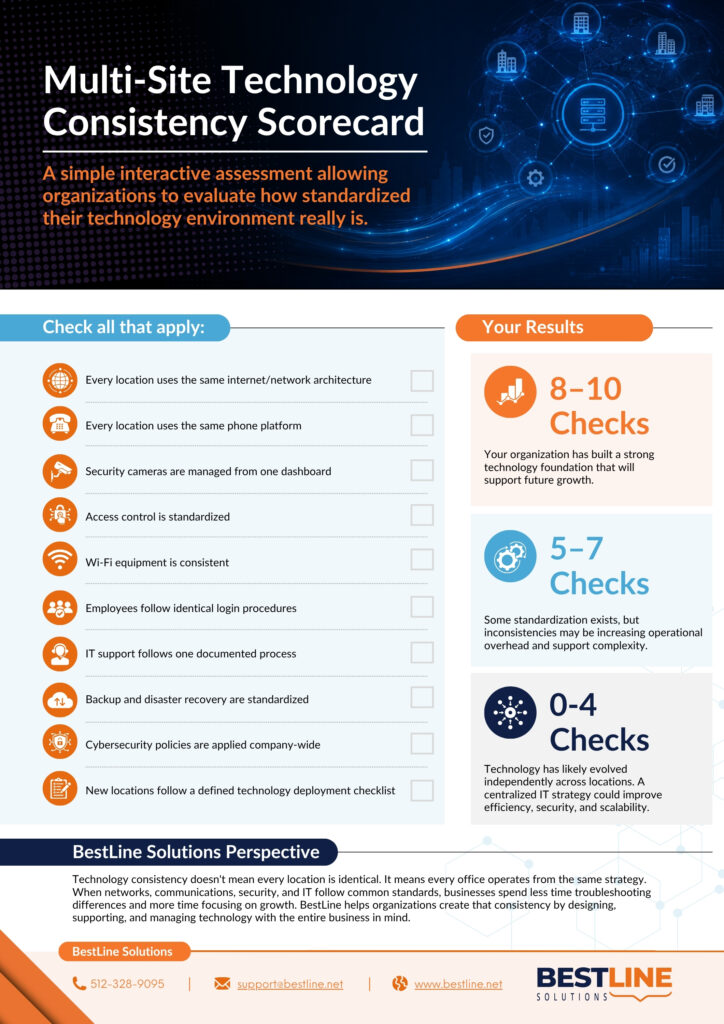
Physical Security Can Become Another Technology Island
Cameras, access control, alarms, and environmental sensors are often purchased by facilities or operations teams instead of IT. That is understandable, but these systems still depend on networks, user permissions, storage, bandwidth, and cybersecurity.
When every building uses a different platform, the organization loses centralized visibility. Security leaders may need several dashboards to review incidents. User access must be maintained separately. Video retention differs by site. Door permissions are updated inconsistently. Network changes can interrupt physical security systems without either team understanding the dependency.
A coordinated design brings physical security into the broader technology strategy. It establishes shared standards for device placement, access permissions, retention, network requirements, incident response, and remote visibility.
BestLine’s security systems services include cameras, access control, alarms, and related facility protection solutions that can be planned alongside the network and support environment.

Standardization Does Not Mean Forcing Every Location into One Mold
The wrong version of standardization ignores how locations actually operate. A busy call center, a medical office, a manufacturing floor, and a small satellite office should not receive identical technology simply because they belong to the same company.
The goal is to standardize the decision-making framework, not erase legitimate differences. A practical multi-site standard defines:
- Which platforms and equipment are approved
- What minimum performance and security requirements each site must meet
- How exceptions are documented and reviewed
- Who owns vendor, contract, and support relationships
- How equipment is monitored, patched, replaced, and retired
- What information must be captured for every location
- How a new site, acquisition, or relocation is assessed and deployed
This creates controlled flexibility. Local needs still shape the final design, but every decision fits within a larger operational and security model.
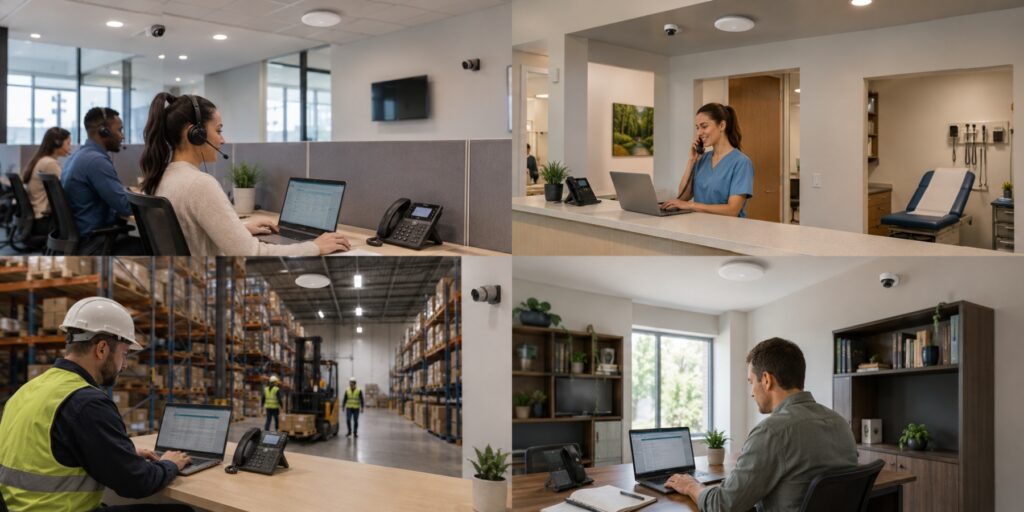
A Better Model for Multi-Site IT Management
Technology consistency starts with visibility, then moves into standards, ownership, and ongoing management.
1. Document the current environment
Create a location-by-location inventory of internet circuits, network equipment, phone systems, security platforms, devices, software, contracts, support contacts, and renewal dates. Do not assume the central team already knows what exists.
2. Identify business-critical differences
Separate intentional differences from accidental ones. A warehouse may need different wireless coverage than an office. That is legitimate. An unsupported firewall still running because no one owns it is not.
3. Define the baseline
Establish standards for connectivity, networks, identity, endpoints, backups, communications, physical security, documentation, and support. Include minimum requirements and an exception process.
4. Centralize monitoring and escalation
Give the support team visibility across locations and one documented route for incidents. The business should not have to determine which vendor to call while operations are already disrupted.
5. Build a repeatable location playbook
Create a checklist for openings, moves, acquisitions, and renovations. Include lead times, carrier availability, cabling, equipment, user setup, security, testing, documentation, and post-launch review.
6. Plan the transition over time
Consistency rarely requires replacing everything immediately. Prioritize unsupported equipment, security gaps, recurring failures, contract renewals, and locations that create the most operational friction.
The Business Value Is Bigger Than Easier IT
The payoff from standardization is not a cleaner equipment list. It is a business that is easier to operate.
Faster issue resolution because support teams know the environment
More predictable openings and acquisitions
Consistent employee onboarding and fewer location-specific workarounds
Stronger cybersecurity controls and clearer visibility
Simpler contract, vendor, and lifecycle management
Better reporting across communications, networks, and security
A more consistent customer experience across every location
Standardization also makes growth less fragile. The organization no longer reinvents its technology every time it opens a door in a new city. It begins with a proven baseline, adapts it to the location, and maintains it through one operating model.
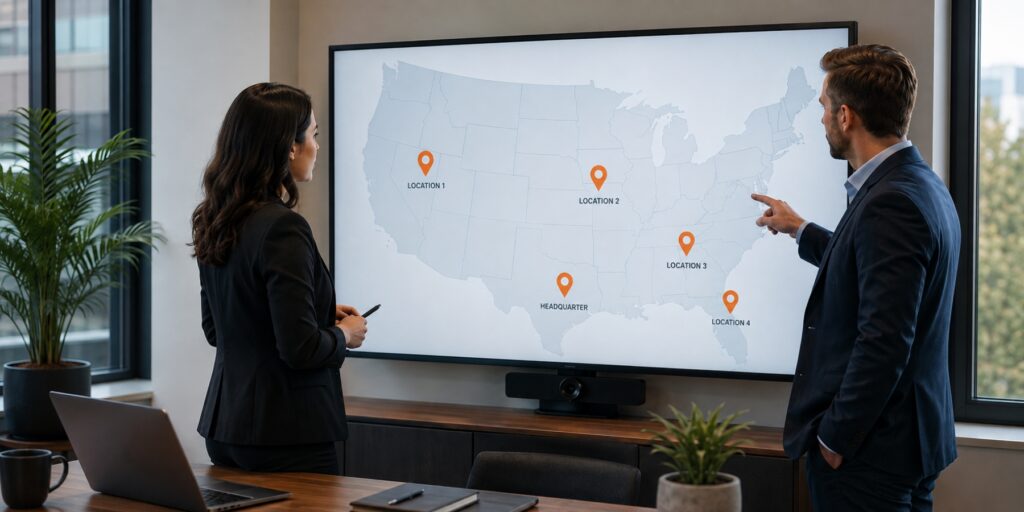
One Technology Strategy Across Every Location
Multi-site businesses do not struggle because every location is different. They struggle because those differences are often unmanaged.
When internet, networks, communications, security, and support evolve independently, complexity compounds. Employees receive inconsistent experiences. Support slows down. Security gaps become harder to see. Future expansion requires more effort than the last.
The answer is not a rushed replacement project or a rigid one-size-fits-all design. It is one technology strategy with clear standards, centralized visibility, documented exceptions, and a partner accountable for how the pieces work together.
BestLine Solutions brings managed IT, voice, internet, cabling, and security under one consultative relationship. Explore the full range of BestLine technology services or schedule a conversation about creating a more consistent technology environment across your locations.
Frequently Asked Questions
What is multi site IT management?
Multi site IT management is the coordinated planning, monitoring, support, and security of technology across multiple business locations. It covers networks, devices, users, communications, connectivity, cloud services, cybersecurity, documentation, vendors, and support processes.
Should every location use exactly the same technology?
Not necessarily. Locations may have different operational, regulatory, bandwidth, or facility requirements. The goal is to use a common technology framework with approved standards and documented exceptions, not to force every site into an identical configuration.
What are the biggest risks of inconsistent technology across locations?
Common risks include slower support, incomplete asset visibility, uneven cybersecurity controls, duplicate tools, conflicting vendor responsibilities, inconsistent employee experiences, and unpredictable costs when opening or acquiring locations.
How can a business standardize technology without replacing everything at once?
Begin with an inventory, define a baseline, and prioritize changes based on security exposure, equipment support status, recurring problems, and contract timing. Standardization can happen in phases as systems reach renewal or replacement points.
Why use one technology partner for multiple locations?
One partner can maintain visibility across systems, coordinate carriers and vendors, apply consistent support processes, and connect decisions across internet, networks, voice, security, and managed IT. The value comes from clearer accountability, not simply reducing the number of vendors.