Most businesses have a plan for a failed server. Far fewer have a plan for a failed internet connection. As more of your daily work moves to the cloud, your internet link has quietly become part of your core infrastructure, just like power or water. When it drops, the effects spread quickly. Your phones, payment systems, email, video calls, security cameras, and cloud apps can all go quiet at the same time. Internet redundancy is the practice of making sure one failed connection does not shut down your whole operation. This guide breaks down how it works, what your backup options are, and how to design a setup that keeps you running when something goes wrong.
What Is Internet Redundancy for Business?
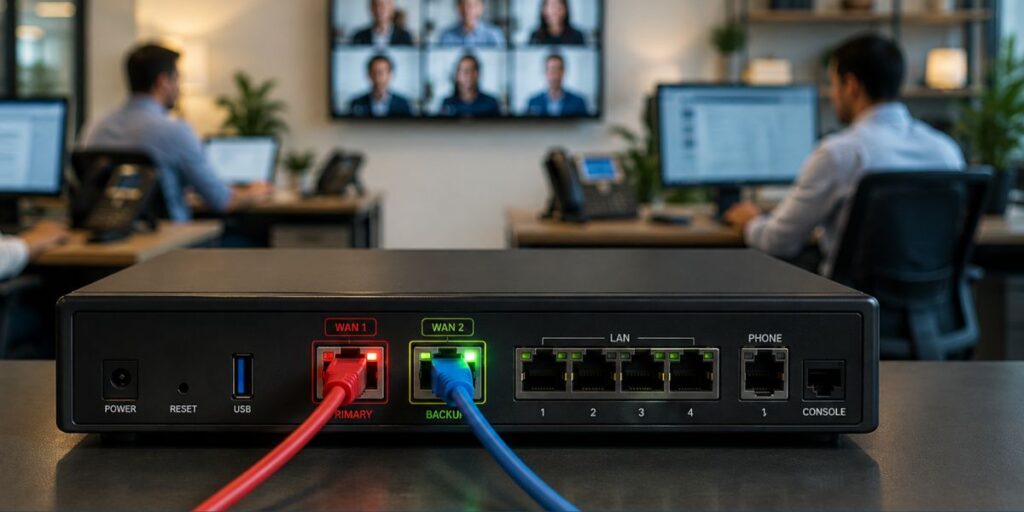
Internet redundancy for business means you do not depend on a single path to reach the internet. You keep a second connection ready, so your work continues when the main one goes down.
The stakes are real. Research from ITIC shows that small businesses with 20 to 100 employees can lose between $8,000 and $25,000 for every hour of downtime. That number climbs higher when the outage hits a busy period or takes down customer-facing systems.
A basic redundant setup has three parts:
- A primary Connection. Fiber, broadband, or a dedicated internet line that carries your normal traffic.
- A Secondary Internet Connection. A different wired provider, a fixed wireless link, or a cellular link that stays on standby.
- Failover Equipment. Networking gear that watches the primary line and moves your traffic to the backup when needed.
That combination gives you a redundant internet connection built to keep working even when one part fails. The goal of connectivity redundancy is simple. It removes the single point of failure that a lone internet line creates.
What Happens When Your Primary Internet Goes Down?
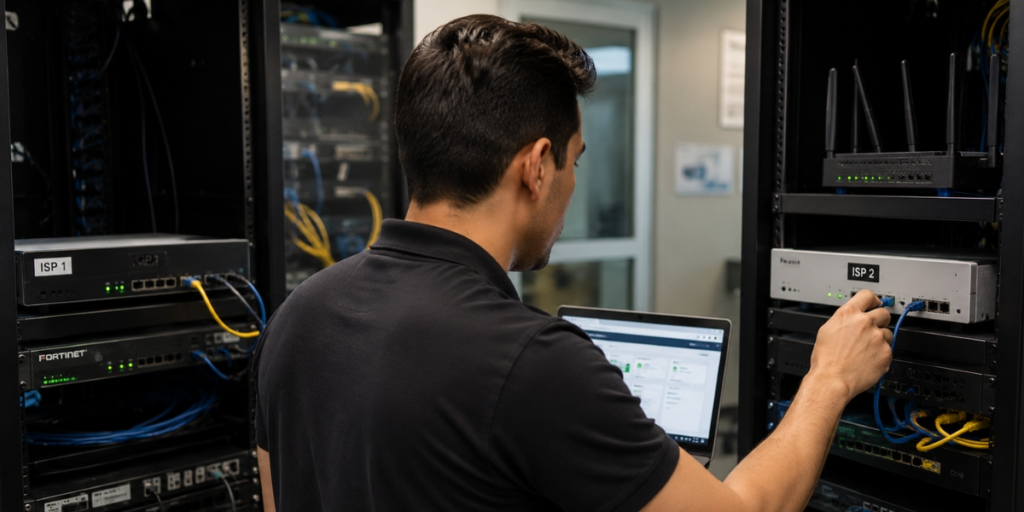
Well-built failover internet handles the switch for you, so your team barely notices. Here is the basic sequence:
Step 1: The Primary Line Fails.
Your firewall or router sees that the main connection has stopped responding.
Step 2: Failover Triggers.
The equipment reroutes your traffic to the backup line on its own.
Step 3: Critical Systems Stay Online.
Employees keep reaching cloud apps, phones, and other tools, within the speed limits of the backup connection.
Step 4: The Primary Line Returns.
Once the main connection is stable again, traffic shifts back to it automatically.
This automatic switching is the core of internet redundancy for business. Good internet failover solutions cut down the need for anyone to jump in and fix things by hand while systems are down, which is exactly when your team is already under pressure.

What Are the Different Types of Backup Internet?
When you plan a business internet backup, you usually pick from three options. Each one fits a different need.
1. Secondary Wired Connection.
A second fiber, cable, or broadband line gives you the most backup capacity. Your business can run close to normal during an outage. This works well when downtime is costly and you need full function, not just the basics.
2. Fixed Wireless.
A wireless link reaches the internet through the air instead of the same underground lines as your main circuit. This kind of wireless internet backup adds real physical separation, which matters when a cut fiber or nearby construction takes out the wired path.
3. Cellular (4G/5G).
A cellular backup internet connection is a practical emergency option for phones, payments, and lighter tasks. It may not match your primary speed, but it keeps the systems you care about most online until service returns.
The right choice depends on your apps, your location, how much bandwidth you need, and how long you can afford to be slow or offline.
Diversify Your Providers, Not Just Your Technology
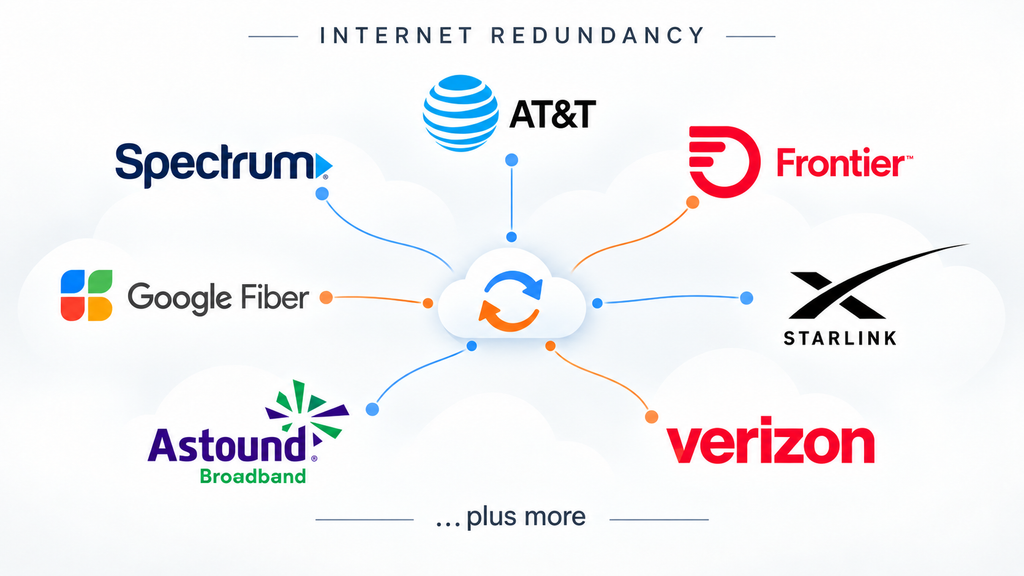
Using different connection technologies can strengthen your backup plan, but provider diversity matters too. For example, pairing fiber from one carrier with cable, fixed wireless, cellular, or satellite service from another can reduce your exposure to a provider-specific outage.
The strongest strategy considers both:
- Technology diversity: Connections that rely on different delivery methods.
- Provider diversity: Services supplied and managed by different carriers.
Different provider names still do not guarantee completely separate infrastructure, but they give you another important layer of protection.
Two Providers Does Not Always Mean True Redundancy
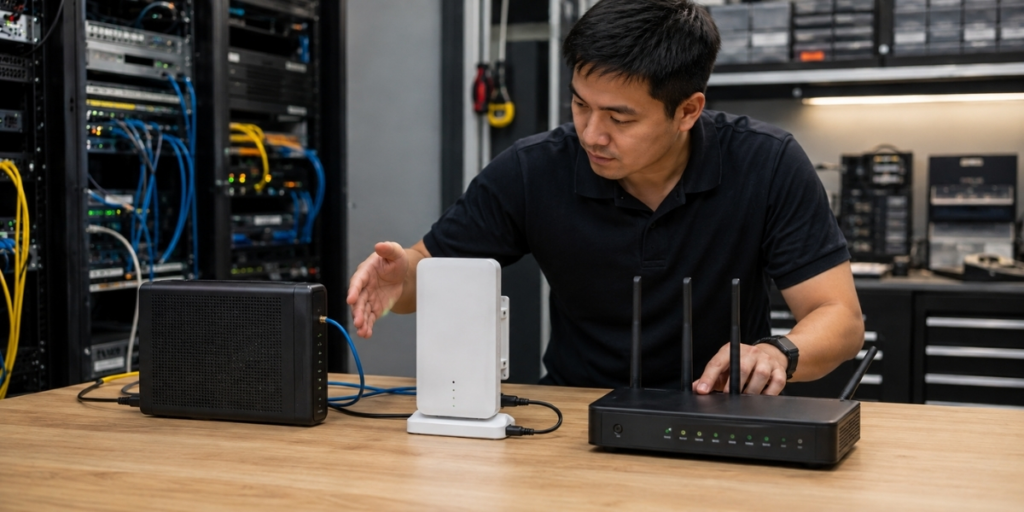
Here is a trap many businesses fall into. Buying two internet lines does not guarantee real protection. Two providers can still share the same weak point.
For example, both lines might:
- Run along the same underground fiber route.
- Enter your building through the same conduit.
- Depend on the same local infrastructure.
- Ride on the same upstream carrier network.
- Connect through gear that shares one power source.
If any of those shared points fails, both connections fail together. Real protection comes from path diversity, not just having two provider names on your bill. That is why the physical cabling that carries your network deserves attention too. Before you assume you are covered, ask how each line reaches you, both physically and logically.

How Much Backup Capacity Does Your Business Need?
You do not always need your backup line to copy every feature of your main line. A smarter starting point is one question. What has to keep working during an outage?
Common answers include:
- Phone and cloud based calling
- Point-of-sale and payment systems
- Customer-facing apps
- Cloud productivity tools like Microsoft 365
- Remote access for staff
- Security cameras and alarms
This matters more each year because so much of your work now lives online. BetterCloud’s 2025 State of SaaSOps report found that the average company runs 106 SaaS applications. Every one of those tools needs a working connection to be useful. If your team relies on cloud-based phone systems, a dropped line means missed calls and frustrated customers within minutes.
This is where internet redundancy for business pays off. You can set network rules that protect your most important traffic and limit less urgent activity while running on the backup. That way you build business continuity internet planning around what your business actually needs, instead of paying for a second identical circuit you may never fully use. The right failover setup, plus ongoing network monitoring and support, keeps that plan working day to day.
How BestLine Solutions Builds Resilient Connectivity
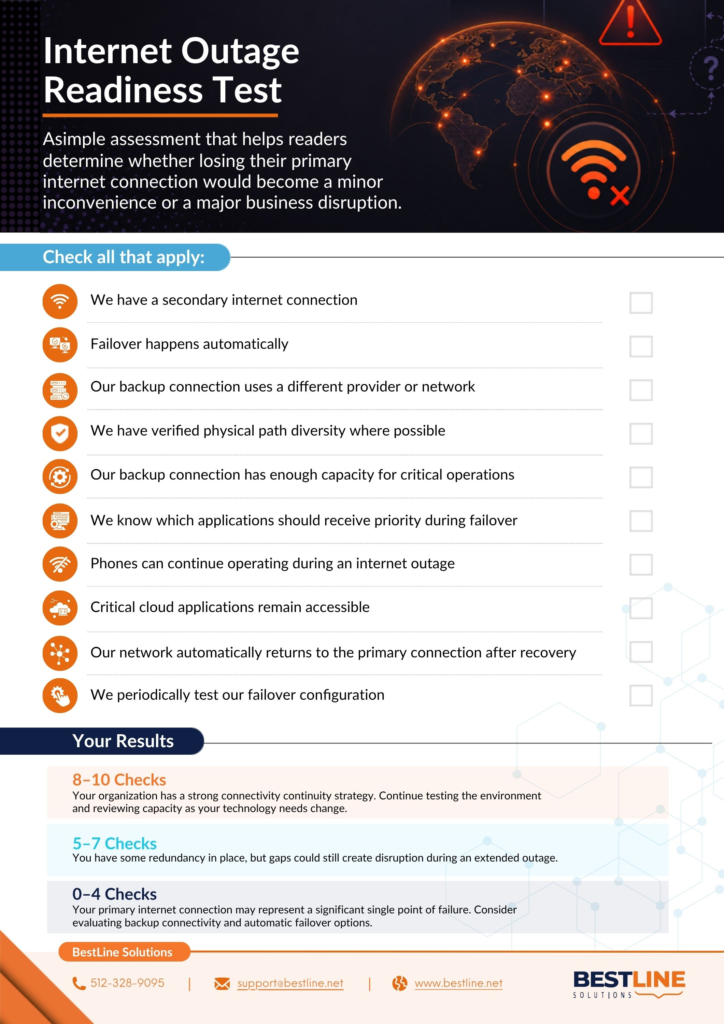
Strong connectivity is more than picking the provider with the biggest speed number. It calls for a plan that looks at your whole environment. BestLine reviews your primary line, your backup options, carrier separation, failover needs, bandwidth, and the specific apps that must stay online. That includes internet service and Wi-Fi design shaped around your building and the way your team actually works.
The aim is not to sell you a second line that sits idle. It is to understand which parts of your business cannot lose connectivity, then design the right backup path around them. Done well, internet redundancy for business becomes a quiet safeguard you rarely think about, because it simply works when you need it.

Frequently Asked Questions About Business Internet Redundancy
The cost of a backup internet connection depends on your location, internet provider, connection type, and bandwidth requirements. A 4G or 5G cellular backup may cost less than installing a second dedicated fiber connection, but equipment, installation, and ongoing service fees also affect the total. For businesses in Austin, comparing backup options against the potential cost of downtime can help determine which solution provides the best value.
Small businesses should consider internet redundancy if losing connectivity would interrupt daily operations. Businesses that depend on cloud applications, VoIP phone systems, online payments, or remote access are particularly vulnerable to outages. Even a short disruption can affect productivity and customer service. A backup internet connection can help keep essential systems accessible while the primary connection is unavailable.
Internet failover can interrupt active VoIP calls, video meetings, and other real-time applications, depending on how your network is configured. Although automatic failover switches traffic to a backup connection, existing sessions may disconnect when the network path or public IP address changes. Proper network configuration and testing can help minimize disruptions, but basic failover does not guarantee uninterrupted calls.
Automatic internet failover typically requires a dual-WAN router, compatible firewall, or an SD-WAN solution capable of managing multiple internet connections. This equipment monitors your primary connection and redirects traffic to the backup when an outage occurs. Simply having two internet providers does not guarantee automatic switching. A network assessment can help determine whether your existing equipment supports failover or needs an upgrade.
Businesses should test their backup internet connection regularly to ensure automatic failover works when needed. A practical starting point is testing at least twice a year and after significant network changes, although critical operations may require more frequent checks. Testing should confirm that essential applications work on the backup connection, employees can reconnect successfully, and traffic returns properly when the primary service is restored.
Plan for the Outage You Cannot Prevent
You cannot stop every outage. A cut fiber line, a provider problem, or a hardware failure will happen at some point. What you can control is how much that failure costs you. A resilient setup means one broken connection does not stop your whole business.
The better question is not, “How fast is our internet?”
It is “What happens when it is not there?”
If you want help answering that for your own operation, BestLine can review your connectivity as part of your broader technology environment and map out a backup plan that fits. Book a no-cost consultation and get a clear picture of where your single points of failure are before the next outage finds them for you.